

How to Use BZLearn: The Complete Guide for Students and Instructors
New to BZLearn? This complete guide walks you through everything — creating your account, enrolling in courses, learning at your own pace, earning your certificate, and managing your profile as an instructor.

Sherlet Neal Lopez, MPM, CSM, JP
BZLearn Admin
Whether you're a working professional ready to grow your career, a business owner investing in your team, or an instructor sharing your expertise — BZLearn is designed to make professional development simple, flexible, and accessible for everyone in Belize.
This guide walks you through everything you need to know to get the most out of the platform, from creating your first account all the way to earning your certificate. Bookmark this page and come back whenever you need it.

Getting Started: Create Your Free Account
Creating an account takes less than two minutes. Head to bzlearn.com and click Get Started Free in the top right corner. Fill in your name, email address, and a secure password. Check your inbox for a confirmation email, click the link inside, and you're ready to go.
Your account is completely free to create. You only pay when you choose to enrol in a course — and you can browse everything before committing.
If you already have an account, click Sign In at the top of any page. Forgot your password? Use the Forgot Password link on the login screen and we'll send a reset link to your email immediately.

Browsing and Choosing a Course
Once you're logged in, click Courses in the navigation bar to explore everything available. You can filter by category — Leadership & Management, Customer Service, Business Communication, Project Management, Financial Literacy, and Digital Skills — or use the search bar to find a specific topic.
Each course page gives you everything you need to make a confident decision: the instructor's name and bio, the course level (Beginner, Intermediate, or Advanced), total duration, a full breakdown of every section and lesson, and the price in Belize Dollars (BZD).
Not sure if a course is right for you? Look for lessons marked as free previews — click them to watch before you buy.

Enrolling in a Course
When you're ready to enroll, click the Enroll Now button on the course page. You'll land on the checkout screen, which shows a clear order summary. Click Pay Now — this sends you directly to Belize Bank's secure hosted payment page, where you enter your card details.
Your card information never touches BZLearn's servers. Both local debit cards and international Visa and Mastercard credit cards are accepted. Once payment is confirmed, you're instantly enrolled and can start learning right away.

Learning at Your Own Pace
Your course content lives in the My Courses section of your dashboard. Open any course to see the full curriculum laid out in sections and lessons. Work through them in order, or jump to any lesson you need — the choice is entirely yours.
Your progress is saved automatically every time you complete a lesson. Close the browser, put away your phone, pick it up the next morning — you'll be exactly where you left off. There are no deadlines and no pressure. You learn on a schedule that fits your life.
Video lessons load quickly and work on any device: desktop computer, laptop, tablet, or mobile phone. You do not need to download any app. Everything runs directly in your browser.

Tracking Your Progress and Earning Your Certificate
Your personal Dashboard gives you a clear picture of every course you're enrolled in, how far along you are, and which lessons are still ahead. You can see everything at a glance and pick up exactly where you stopped.
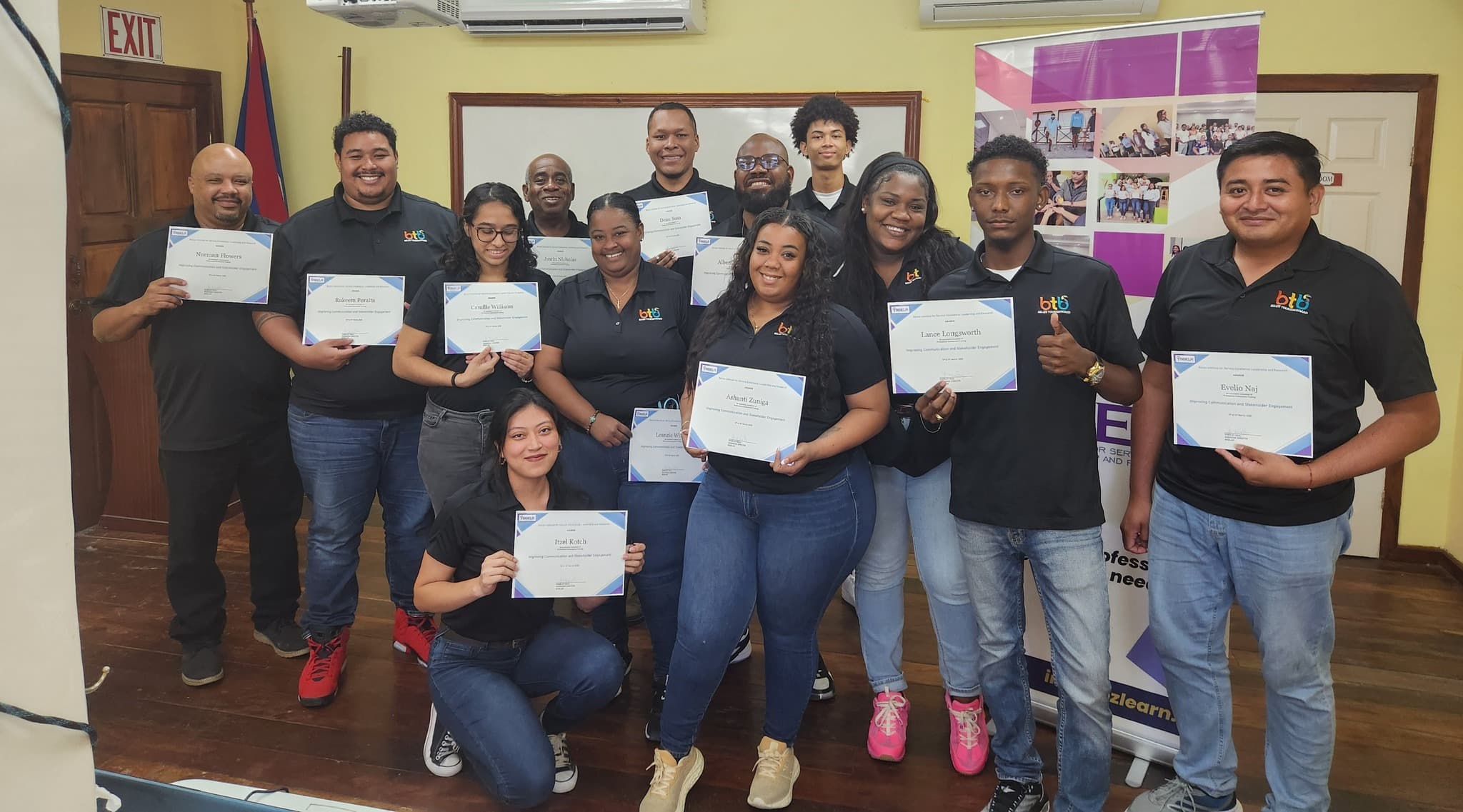
When you complete all the lessons in a course, your certificate is generated automatically — no waiting, no applying. Head to the Certificates section of your dashboard to download it as a PDF. Your certificate displays your full name, the course title, and the date of completion. It is ready to share with your employer, add to your CV, or post on LinkedIn.
Tips for Getting the Most Out of BZLearn
Set a regular learning time. Even 30 focused minutes each day adds up faster than you think. Block it in your calendar the same way you would any other appointment.
Take notes as you go. Writing down what you learn helps it stick. A simple notebook, your phone's notes app, or a Google Doc — whatever works for you.
Apply one thing from every lesson. The courses are built around real Belizean workplace situations. Try something new from each lesson in the same week you learn it. That is when real change happens.
Revisit lessons anytime. Once enrolled, you have lifetime access to that course. Return whenever you need a refresher — no extra charge, no time limit.
For Instructors: Managing Your Courses and Profile
If you have an instructor account, you access the admin panel directly from your dashboard. From there you can manage your courses — add sections, upload video lessons, set prices, and publish or unpublish content at any time.
You can update your professional bio and title from the course management area. Your bio appears on every course page you teach, so students can read about your background before they enrol. Keep it current, honest, and specific — a strong bio builds trust and drives enrolments.
Need a new course added to the platform, or have a question about your instructor access? Contact the BISELR admin team at info@bzlearn.com and we'll get back to you quickly.
Need Help? We're Here.
If you run into anything — trouble logging in, a payment question, or a technical issue — reach out directly:
Email: info@bzlearn.com
Phone: +501 670-9564
We're here to make sure your experience on BZLearn is smooth from start to finish. Belize's professional development community is growing every day, and BZLearn is where it comes together. Welcome aboard.
Found this useful? Share it with your network 👇